
What does the NFC token do?
It’s the bridge between the physical display and the verified digital certificate online.
The NFC token is a small, passive chip embedded in or attached to your CertifiQ display. When it’s activated and linked to a DOC, it can:
- Open the online page for that collectible’s Digital Ownership Certificate (DOC).
- Show grading details, images, and key information about the item.
- Help buyers verify the DOC matches the physical item in the display.
- Make it easier to update stories, notes, or ownership details over time.
Think of it like a digital “deed” for your collectible: always there, always scannable.

Tap the display. Open the proof. Keep the story.
How to use the NFC token
Most modern smartphones can read NFC in seconds — no app required.
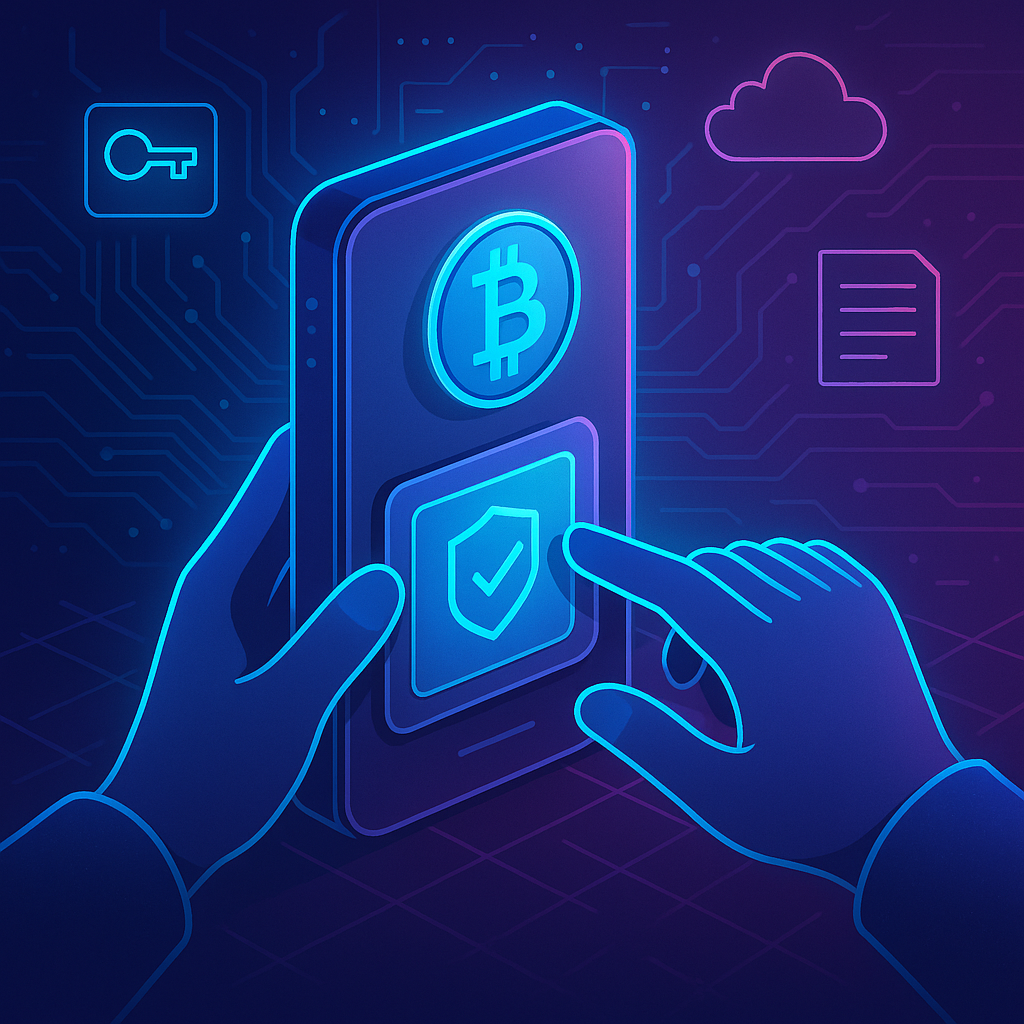
Step-by-step:
- Unlock your phone.
- Hold your phone near the CertifiQ Token area on the display for a few seconds.
- Tap the notification/link that appears.
- You’ll land on the CertifiQ Viewer page for that collectible.
Device tips:
- iPhone: Hold the top of your phone near the token area.
- Android: Hold the back of your phone near the token area (reader location varies).
The fastest path from “this is mine” to “here’s the proof.”
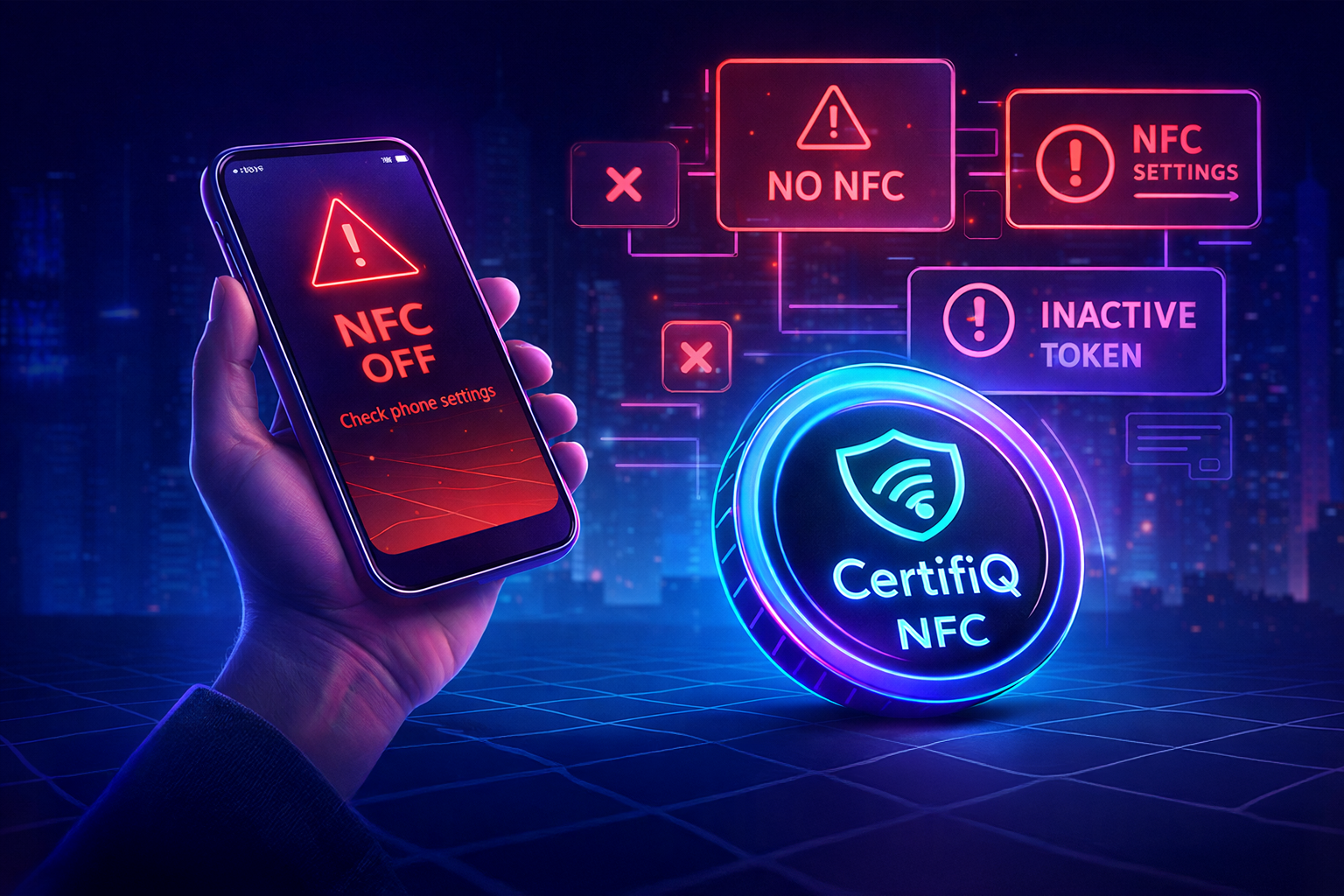
What if nothing happens?
Usually it’s one of these simple fixes.
- NFC is turned off on your phone. Enable it in your settings.
- Your phone does not support NFC. Many newer devices do, but not all.
- The token has not been activated yet, you go to an Activation page. All display boxes come NFC-Ready.
You can manually access your collectible here.
Security & privacy
Passive token. No reading data from your phone.
The NFC token in your CertifiQ Display Box is a passive chip. That means:
- The token stores a unique weblink that leads you directly to your collectible.
- It only responds when a compatible phone is held very close.
- No bloatware, malware, anywhere!
Your phone chooses what to open, and you remain in control. The token cannot read data from your device.
Want to open your collectible now?
Enter your certificate number to view the digital record, metadata, and verification links.